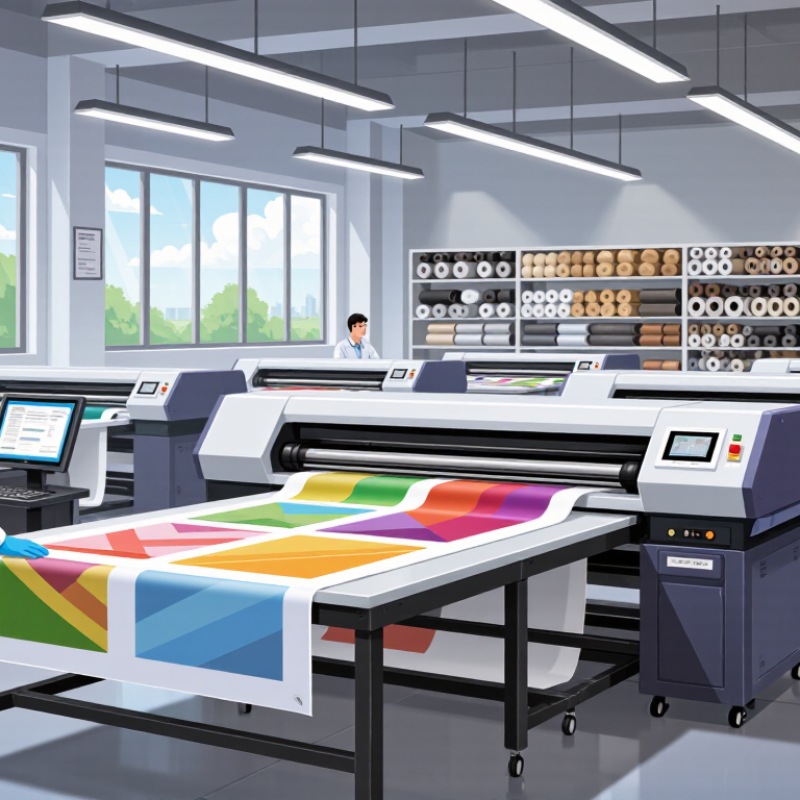
| Process definition | Confirm whether “cold” refers to peeling the carrier after cooling, rather than a heat-free transfer method. | Sublimation transfer uses heat to move dye from printed transfer paper into a receptive material. | Clear terminology helps prevent mismatched equipment, consumables, and production expectations. |
| Compatible substrates | Ask for tested fabric composition and guidance for coated rigid goods. | Standard sublimation works best on polyester textiles and specially polymer-coated surfaces. Uncoated cotton is not a suitable direct sublimation surface. | Substrate chemistry affects color development, adhesion, and wash or wear performance. |
| Pressing guidance | Request substrate-specific temperature, dwell time, pressure, and cooling instructions. | Many polyester applications use approximately 180–200°C and tens of seconds as a starting range; the correct settings depend on the transfer, substrate, and press. | Incorrect heat or dwell time can cause weak color, ghosting, scorching, or distortion. |
| Cold-peel instructions | Check whether the transfer must cool completely before carrier removal and whether peel timing varies by material. | Follow the transfer supplier’s peel instructions; hot-, warm-, and cold-peel behavior is product-specific. | Peeling at the wrong temperature can affect edges, detail, or transfer consistency. |
| Transfer paper | Ask about paper weight options, ink compatibility, drying behavior, and recommended print side. | Sublimation transfer paper is designed to receive aqueous dye-sublimation ink and release dye during heat pressing. | Paper release and dimensional stability influence transfer efficiency and image sharpness. |
| Printer and ink compatibility | Verify that the ink is dye-sublimation ink and that the printer’s ink-delivery system and print settings are suitable. | Sublimation printing commonly uses piezoelectric inkjet systems; printer and ink compatibility must be confirmed for the specific setup. | Using incompatible ink or settings can cause print defects, poor transfer, or equipment issues. |
| Color management | Ask for suitable profiles or workflow guidance for the printer, ink, paper, and substrate combination. | Printed colors on transfer paper can look different from the final colors after heat transfer. | A controlled workflow improves repeatability and helps reduce color mismatch between jobs. |
| Quality control and support | Request sample testing, written process instructions, batch traceability, and troubleshooting support. | Compare repeatability across sample runs and document the settings used for each substrate. | Practical testing is more useful than a general performance claim when selecting a production supplier. |